New asset
Steps to put a generator on record and assign it
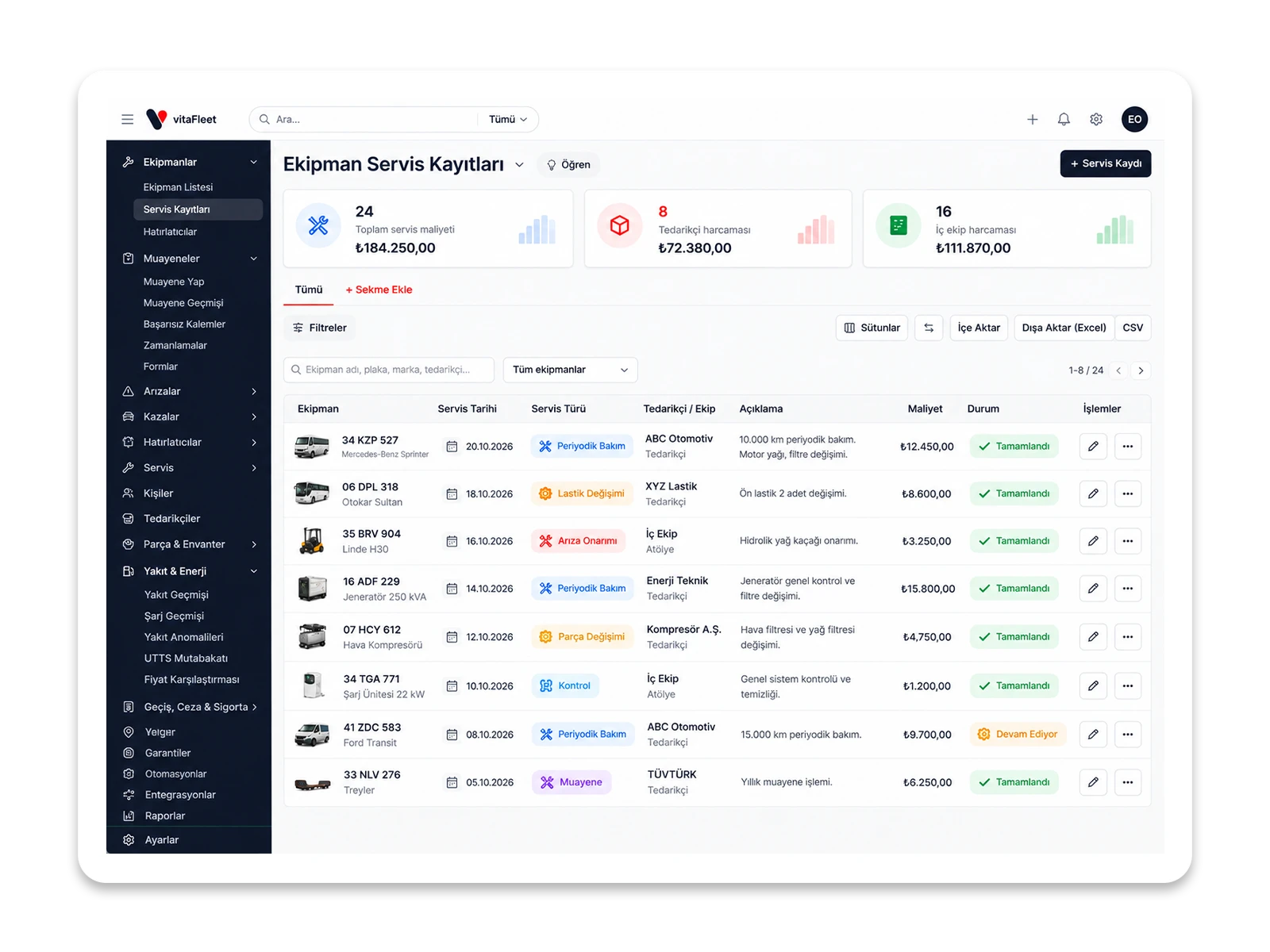
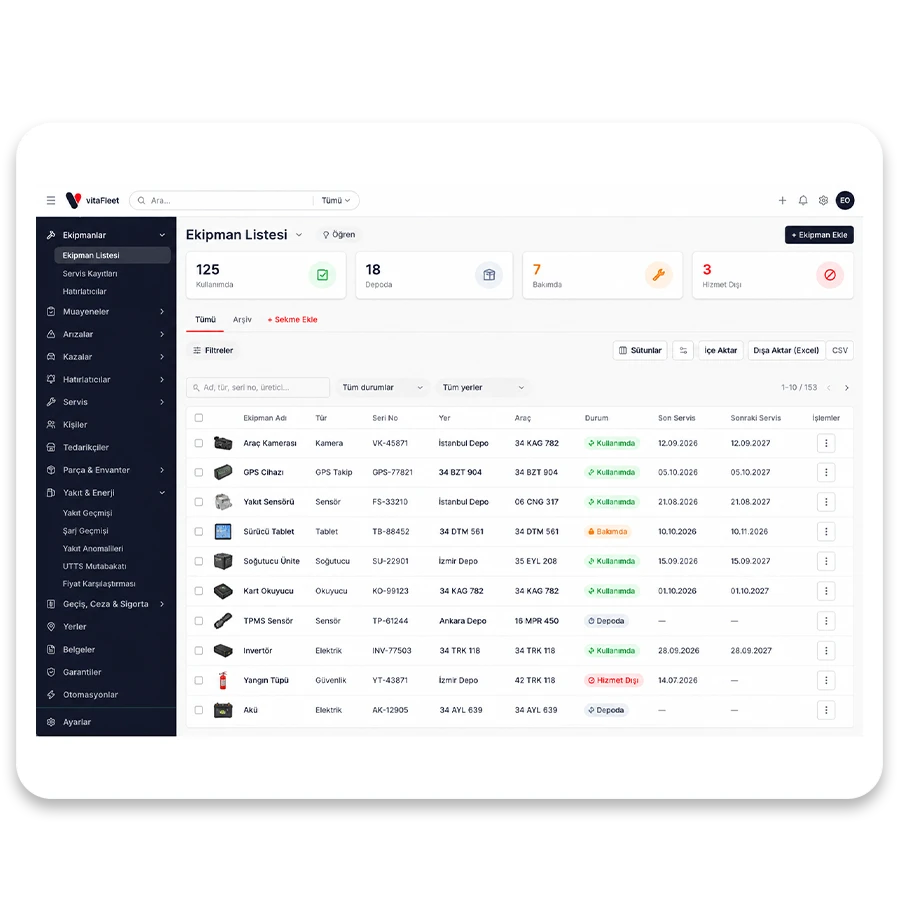
The warehouse manager opens Add Equipment in the Equipment List. Name and type are entered, then serial number, manufacturer and model. The Status field is set to In Storage or In Use. If the type or manufacturer isn't in the list, it's added with Define New without leaving the page. If the equipment is going to a job site, the job site is chosen in the Location field; if it will go to the responsible foreman, the foreman is chosen in the Assigned person field. When the record is saved, the list shows where the equipment is and who has it. If the location or person changes later, the equipment form is edited, and status can be updated to Under Maintenance or Out of Service. It all stays in a single record; who used the equipment and at which location can be read afterward too.
Enter the identity. Name, type, serial no, manufacturer and model are in one form.
Choose the status. In Use, In Storage, Under Maintenance or Out of Service.
Assign it. With the Location and Assigned person fields, the location and the responsible person are written to the record.