


Industry
Student Transportation
Documents, attendants and daily vehicle checks for school buses.
Overview
What changes for Student Transportation fleets?
Documents, attendants and daily vehicle checks for school buses.
A demo for your fleetDocument discipline for school buses
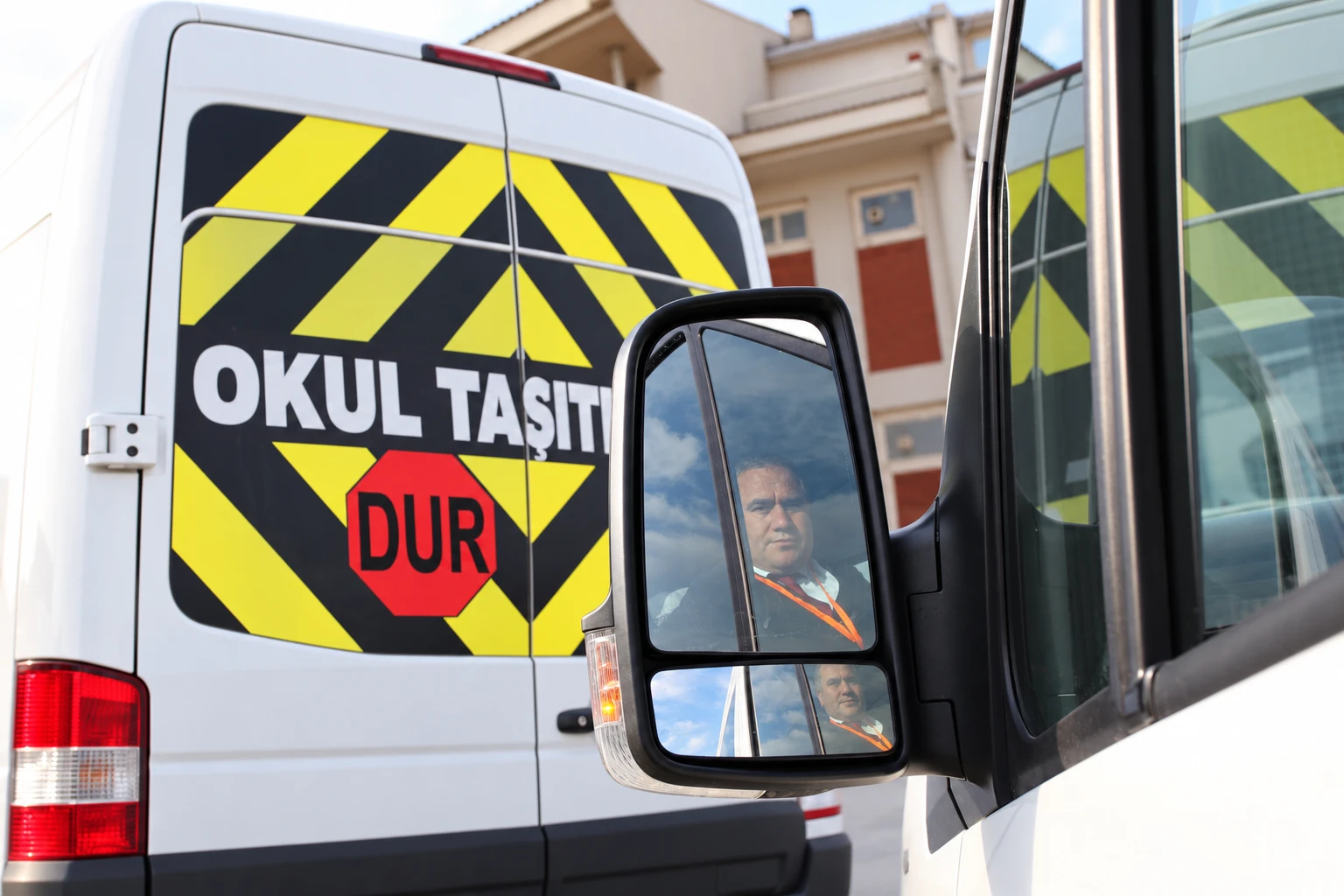
School buses are where document tracking tolerates the least slack, because the passengers are children and even a small gap can carry serious administrative and reputational consequences. In Turkey, school transport is mostly done with white midibuses and minibuses; inspection, compulsory traffic insurance, and exhaust test are kept with expiry dates on these vehicles' records. A missing document before the term starts can become a problem on the first morning of school. vitaFleet tracks each document with its expiry on the vehicle record, lists items that are approaching or past due in the daily summary notification, and stores registration and policy files on the same record. The renewal interval is defined once when a document is recorded; after each renewal, you enter the new date and the next due date is calculated automatically, so tracking never has to be set up again.
- Inspection, insurance, and exhaust dates on the vehicle record
- Upcoming and expired documents in the daily summary email
- Registration and policy files archived on the vehicle
Driver and attendant documents
A school bus usually carries not just a driver but also an attendant (guide), and both need documents. For the driver: license, SRC (professional driver certificate), psychotechnical certificate, and health report; for the attendant, the relevant documents are tracked the same way, on the person record with expiry dates. A person whose document is missing or about to expire shows up on the list before going out on a route. A document that needs renewing over the summer break is caught in August, not on a September morning. The person record also holds contact details and document files; when staffing changes, the new person is set up with the same discipline and the previous person's history is not deleted. The document check at the start of term no longer needs a meeting: the daily summary points directly to the person and the document that are missing.
- Driver and attendant in the same person-record structure
- Document expiry tracked by date
- Document files archived on the person record
Vehicle, route, and staff assignment
Which vehicle worked in which period, with which driver and attendant, on which route, is recorded with date ranges. If a vehicle or staff member changes mid-term, the old assignment is not deleted; it stays in the history, so responsibility for any given day is always clear. When a fine or damage arrives, the driver is found from the assignment on the date of the event. The driver at the time of damage is matched with the Tramer (Turkey's vehicle damage history database) record, and fault status is tracked separately. This is not route planning; it is an auditable record of which shuttle worked which route, and under whose responsibility. Assignment data also ensures fuel and toll records are written to the right driver. When a vehicle must be swapped during the season, which vehicle took over which route can be read from the records with dates.
A pre-trip check every morning
Children's safety is decided largely in the few minutes of checking before the bus leaves. You set up your own daily checklist for school buses: seat belts, doors, first aid kit, fire extinguisher, tires, and brakes. The driver fills in the form every morning; an item marked as failed becomes a fault and is tracked until fixed, so the problem is caught before children board. Form history stays on the vehicle with dates, so in an audit or after a parent complaint, you can show that the check was done. The form's content can be changed by bus type; a small minibus and a larger midibus do not need identical checklist items. When a fault is opened in the morning, the backup-vehicle decision can also be made before the day starts.
- Daily pre-trip check form; you define its content
- A failed item automatically becomes a fault record
- Form history serves as evidence in an audit
Seasonal use and maintenance
School buses are busy during the school term and nearly idle over summer and mid-term breaks; this uneven rhythm misleads any maintenance plan that looks only at kilometers. The maintenance interval is defined in both kilometers and months: even if the vehicle runs few kilometers, time-based maintenance such as oil, brake fluid, and tire age is not missed. Whichever comes first is the due date. The fleet starts the term both maintained and documented: before schools open, a list shows what is missing on which vehicle and you work through it gradually, with no last-week rush. At the end of the term, a vehicle's cost can be read from the service records accumulated over the year, and the expenses of vehicles sitting idle over summer can be seen separately.
- Km and month intervals defined together
- Time-based maintenance kicks in for vehicles that run few km on break
- Pre-term list of missing maintenance and documents
Winter tires and tire tracking
In winter, school buses run early in the morning on icy roads. The winter tire requirement period (December 1 to April 1, which may vary by province) is defined in Settings; vehicles marked as requiring winter tires on the vehicle form generate alerts if they are not compliant during that period. Each tire is recorded with its position; tread depth measurements are entered, and remaining km to replacement is estimated. With tire rules, you can define stricter tread depth or tire age thresholds for school buses than for other vehicles. If you select a position on a tire invoice, the tires are mounted on the vehicle at import. In Settings, you can set the alert tread depth, remaining km to replacement, and tire age thresholds; so before winter, it is clear which buses have their tires ready.
- Period alert for vehicles that require winter tires
- Tread depth, remaining km, and tire age thresholds
- Separate tire rules by vehicle type, model, and group
Many schools and routes in one place
As the business grows, different schools, routes, and term calendars run at the same time, and tracking each in a separate list quickly gets confusing. You group vehicles by school or route name, view each group in its own list, and compare them all on a single dashboard. Which school's bus has missing documents, which route has an open fault, and which group has maintenance coming up is clear from one place. Bulk actions can be done by group; a maintenance reminder can be set up for all vehicles in the same group at once. Even as the fleet grows, control does not scatter: a new vehicle automatically follows its group's rules. With group filters, you can list only one school's vehicles and run that school's start-of-term preparation independently of the others; past records stay on the vehicle.
- Vehicle groups by school and route
- Document and maintenance tracking by group
- The whole fleet compared on one dashboard
Accident and damage record
In school transport, how an accident is recorded matters as much as how it is handled. In vitaFleet, the accident record takes the date, time, location, vehicle, driver, and other party; if the driver is left blank, it is found from the assignment at the time of the accident. The scan of the Collision Report Form (Anlaşmalı Kaza Tespit Tutanağı) or the police or gendarmerie report, along with photos and a sketch, is attached to the same record. The casco or traffic insurance file number and cost are tracked; when the Tramer (Turkey's vehicle damage history database) record arrives, it is linked to the damage record. That way, every detail asked about later is found in one place, together with the bus's history. If fault is partial, it is entered as a percentage and used in evaluating accident history by driver and vehicle. The Tramer record is stored separately from the accident record, and the two are linked.
- Report scan, photos, and sketch on the same record
- Insurance file status, estimated and actual cost
- Damage is linked to the driver at the time of damage
Focus areas
What do we cover in this industry?
- School bus document expiry dates
- Driver and attendant documents
- Term-based vehicle-route assignment
- Daily pre-trip check
- Km and month-based maintenance
- Winter tire alert
- Accident report and sketch
- Document and registration archive
How you get started
From setup to your first report
Enter vehicles and documents
Record the inspection, compulsory traffic insurance, and emissions test expiry dates for your school buses on the vehicle record, and attach the registration and policy files to the same record. Because the files are kept on the same record, you do not have to search for documents separately during an audit.
Set up drivers and attendants
Enter the driver's license, SRC (professional driver certificate), psychotechnical certificate, and health report expiry dates on the driver record, and the relevant document expiry dates for attendant staff on their person record. You get an alert before they expire. Documents that are about to expire are listed in the daily summary email; renewals can be planned before the term opens.
Make term assignments
Record which vehicle works in which term, with which driver and attendant, on which route, with a date range. When something changes, add a new assignment; the old one stays in the history. When a fine or damage comes in, the person responsible from the assignment on the date of the event is found right away.
Set up the daily check
Define the pre-trip inspection form: seat belts, doors, first aid kit, fire extinguisher, tires, brakes. A failed item becomes a fault and is tracked until it is closed. The form history is stored on the vehicle with dates and can be shown during an audit when requested.
Plan maintenance and tires
Enter the maintenance interval in km and months and mark the winter tire requirement. Before the term, review the list of missing documents, maintenance, and tires, and spread services out over the weeks before schools open to avoid a last-week rush.
FAQ
Yes. Like drivers, attendant staff are kept on a person record; alerts go out through the daily summary and notifications before the relevant documents expire. Document files are archived on the same person record.
Other industries
Is your fleet in a different industry?

Industry
Construction & Excavation
Calendar-based maintenance and site assignment for heavy equipment.

Industry
Municipal & Public Sector
Mixed fleets, multiple locations and auditable records.

Industry
Retail & Distribution
Consumption and frequent maintenance under heavy city use.

Industry
Manufacturing & Industry
One routine from in-plant forklifts and machinery to the dispatch fleet.

Industry
Car Rental
Rental contracts, km overage, damage and no-claims tiers.

Industry
Logistics & Freight
K-class certificate, inspection, tolls and trip cost for tractors and trailers.

Industry
Staff Transportation
Driver documents and assignment history across the shuttle fleet.
Let's prepare a demo for your Student Transportation fleet
We take a few details and get back to you within one business day — no setup fee.